Aniimo Xbox Holo-Battle Interlink Crashes: What the Official Fix Covers
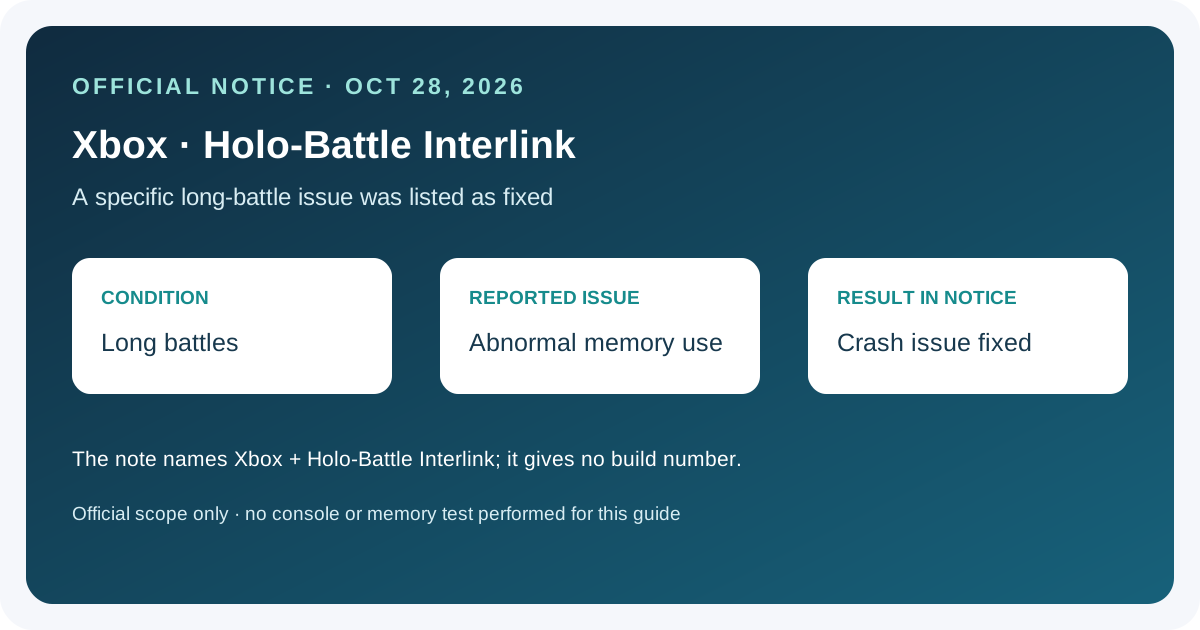
Aniimo’s October 28, 2026 Part 2 notice says it fixed an Xbox issue where long Holo-Battle Interlink battles could cause abnormal memory use and crashes. The note identifies Xbox and that activity, but gives no affected-build list, reproduction steps, hardware breakdown, or crash-rate measurements. It does not say every Xbox crash—or crashes in Holo-Battle Sim—are fixed.
In this guide
Separate PlayStation Album issue
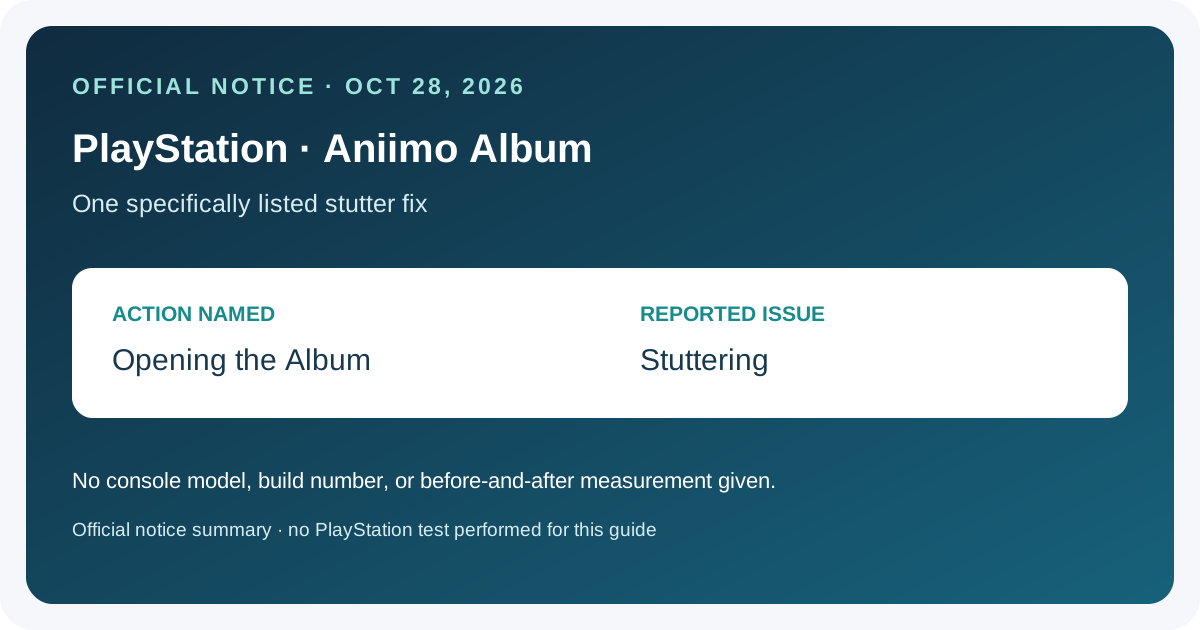
For the distinct PlayStation Album-opening stutter entry, see the Album fix guide.
Match the reported issue before drawing a conclusion
Swipe or scroll sideways to compare all columns.
| Check | What the notice identifies | What to record if it happens again |
|---|---|---|
| Platform | Xbox | Console model and game version shown by the platform or game |
| Activity | Holo-Battle Interlink | Whether the crash occurred during a long battle, and the last visible screen |
| Reported behavior | Abnormal memory use and a crash | Any exact message, approximate time, and whether the game closed or returned to a menu |
| Fix scope | A listed Part 2 known-issue fix | Whether the notice or current build applies to the installed version |
The announcement names Holo-Battle Interlink. It is not the same mode name as Holo-Battle Sim; this specific fix should not be applied to a different activity without evidence.
What to do with a matching crash
- Check the game version displayed by your Xbox or in-game notice and note the date. Do not assume that reading the announcement confirms your installed build has the fix.
- Record the activity name, approximate point in the battle, any visible error, and whether the game closed. Keep a screenshot or a short recording if one is already available.
- Compare your notes with the announcement’s exact scope. If the same issue continues, report those details through the game’s support route; the notice does not give a local memory-clearing or repair procedure.
- Avoid deleting saved data or changing console settings based only on this patch note. The published entry does not ask players to do that.
No Xbox console, Holo-Battle Interlink session, memory use, or crash reproduction was tested for this guide. These steps organize a report; they do not claim to repair the game.
Related console update details
For the other Part 2 console additions—such as the Online ID and guidance settings, Xbox PC DX12 support, and listed menu or loading optimizations—see the broader Aniimo console update overview. The older version 1.1 calendar and codes guide covers seasonal dates and code confirmation, not this Xbox crash report.
Frequently asked questions
Does this fix cover Xbox crashes in Holo-Battle Sim?
The specific entry names Holo-Battle Interlink. It does not name Holo-Battle Sim, so this notice alone cannot confirm a fix for that mode.
Does the note say PS5 had the same long-battle crash?
This particular known-issue entry says Xbox. The same notice lists separate PS5 and Xbox memory-use optimizations, but that broader item does not establish this exact crash on PS5.
Are all Xbox crashes fixed?
No. The announcement reports one issue with a stated condition. It gives no claim that all crash causes are resolved.
How can I tell whether my copy includes the fix?
Check and record the version shown by your platform or in-game update notice. The source does not provide a build number for this individual fix, so do not infer it from the article date alone.
Was the crash reproduced for this guide?
No. The page summarizes the official notice; it includes no independent crash or memory test.
Source
Sources checked 2026-11-01: Aniimo official Season 1 Part 2 update and known-issues notice, published 2026-10-28.