Aniimo PlayStation Album Stutter: What the Official Fix Confirms
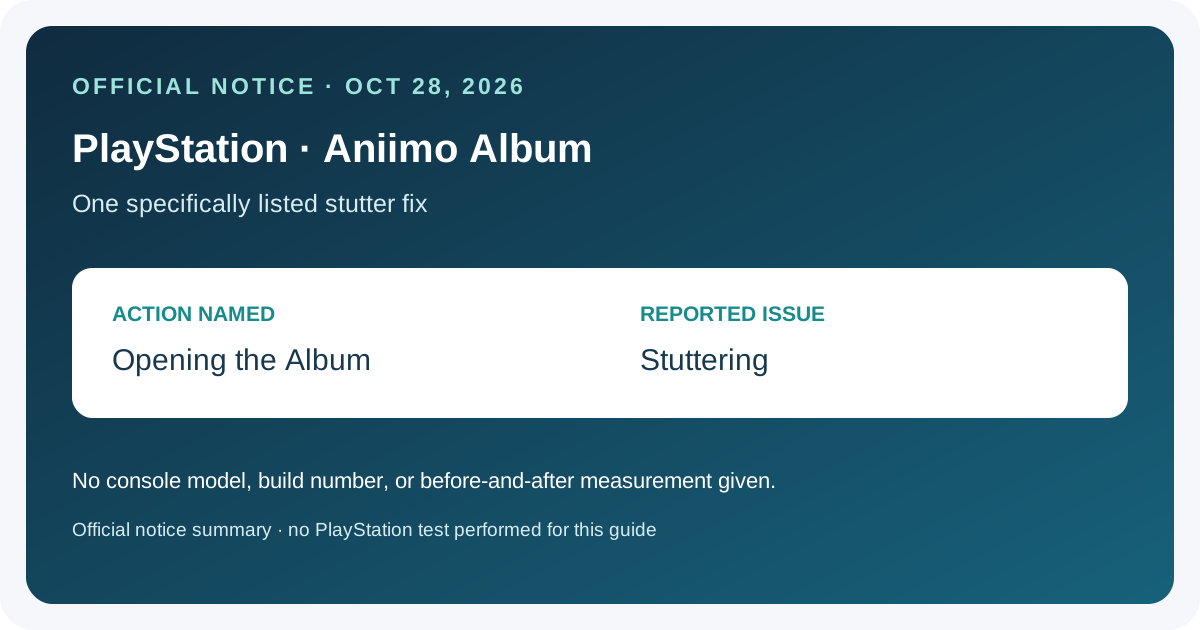
Aniimo’s October 28 Season 1 Part 2 known-issues notice lists a fix for stuttering when opening the Album on PlayStation. It does not identify a model, build number, before-and-after result, or claim that every pause in every menu is fixed. This guide explains the exact notice and how to record whether the same symptom remains on your installed version.
In this guide
Separate black-screen fixes
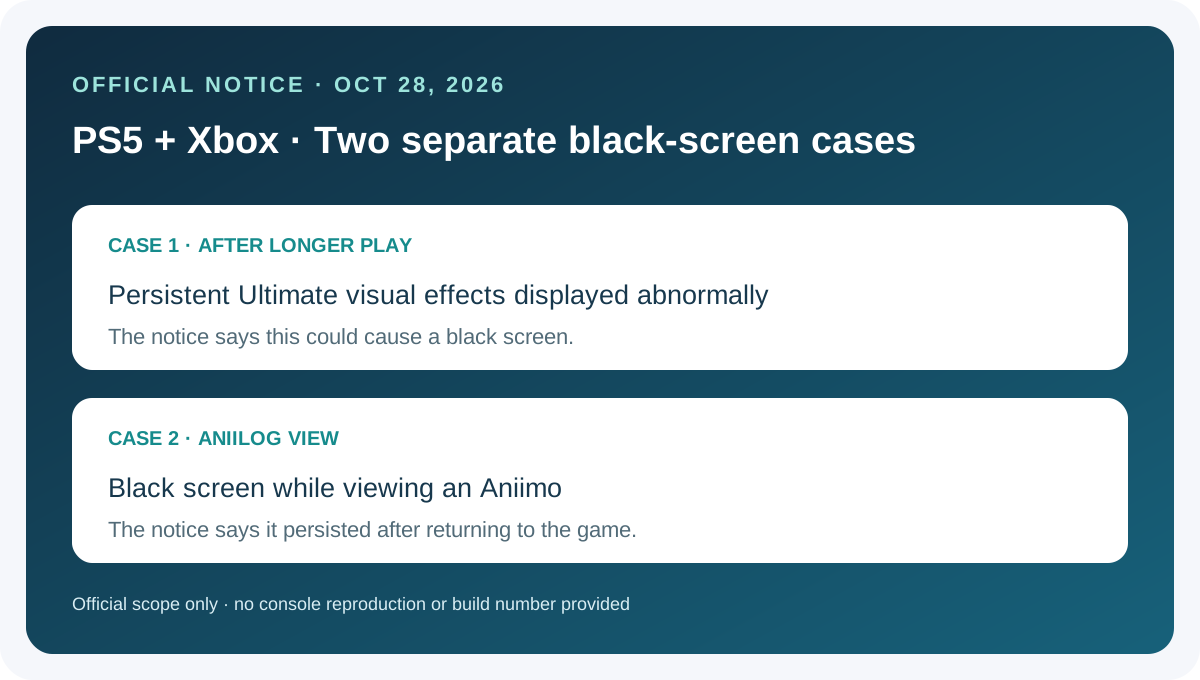
For two distinct PS5 and Xbox black-screen cases listed in the same official notice, see the Aniimo Aniilog black-screen guide.
Match the exact symptom
Swipe or scroll sideways to compare all columns.
| The notice identifies | It does not specify |
|---|---|
| Platform family: PlayStation | A particular console model or installed build |
| Action: opening the Album | A delay duration, frame rate, or test procedure |
| Reported issue: stuttering | That every menu pause or all Album performance problems were resolved |
The notice uses the name “Album.” This guide refers to the Album named in the game notice; it does not treat the PlayStation system’s media gallery as the same screen.
Check your current version and record what happens
- Check the game update notice or version shown by your PlayStation and record it before comparing behavior.
- Open the same in-game Album screen and note whether the original stutter still appears. This is a user-side observation, not a benchmark.
- If it persists, record the console model, game version, screen you opened, and what happened. A short capture can help describe the symptom, but it does not establish the cause.
- Compare your notes with the official entry. It does not provide a build number for this individual fix, so the announcement date alone cannot confirm that a particular installation contains it.
No PlayStation console or game session was tested for this guide. We did not measure menu frame pacing, compare builds, or reproduce the stutter. The checklist helps describe the issue; it is not a repair instruction.
Related update notes
The Season 1 Part 2 console update overview summarizes other settings and performance items in the same notice. For the separate Xbox long-battle crash entry, see the Holo-Battle Interlink crash scope guide.
Frequently asked questions
Does the notice name a specific PlayStation model?
No. It says PlayStation and does not give a model-specific breakdown for this Album issue.
Is this a fix for the PlayStation system Media Gallery?
The notice says “Album” in the Aniimo game’s console-specific fix list. It does not identify the system media gallery as the affected screen.
Does this prove all menu stuttering is fixed?
No. The entry is about stuttering when opening the Album. It does not make a general claim about every menu or performance issue.
How do I confirm my installation has the fix?
Record the version displayed by your platform or in-game update notice and compare the Album behavior. The published item does not supply a specific build number for the fix.
Did this guide test the fix?
No. It summarizes the official notice and provides a symptom-recording checklist; it includes no console gameplay or performance test.
Source
Sources checked 2026-11-02: Aniimo official Season 1 Part 2 update and known-issues notice, published 2026-10-28.