Aniimo PS5 and Xbox Aniilog Black Screen: What the Official Fix Covers
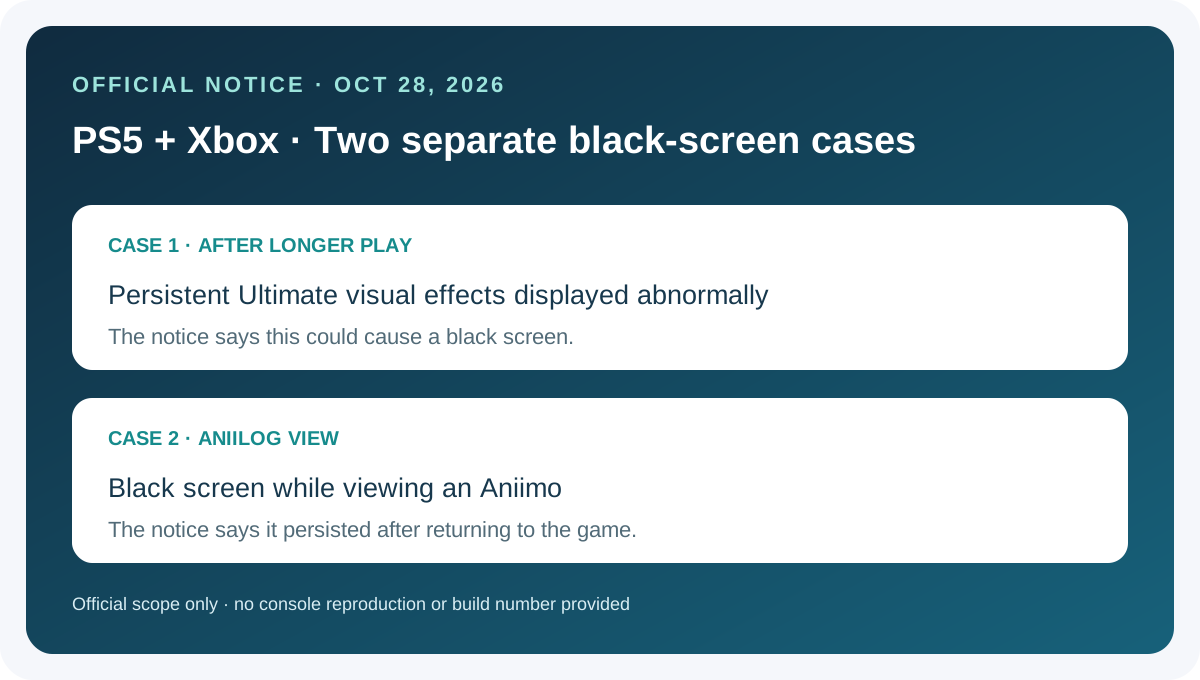
Aniimo’s October 28, 2026 Part 2 notice lists two separate black-screen fixes for PS5 and Xbox: one after persistent Ultimate effects displayed abnormally during longer play, and another while viewing an Aniimo in Aniilog that remained black after returning to the game. The notice gives no build number or reproduction test, and it does not say every black-screen issue is fixed.
In this guide
Match the trigger to the correct notice entry
Swipe or scroll sideways to compare all columns.
| Officially listed symptom | Platform in the notice | What to note if it occurs |
|---|---|---|
| After the game had been running for a while, persistent visual effects from an Aniimo’s Ultimate displayed abnormally and caused a black screen. | PS5 and Xbox | Which Aniimo and Ultimate were involved, what happened immediately before the screen went black, and whether the game returned. |
| A black screen appeared while viewing an Aniimo in Aniilog and continued after returning to the game. | PS5 and Xbox | Whether the trigger was viewing an Aniimo in Aniilog and whether the display recovered on return. |
These are two separate entries in the notice. Neither is described there as a PC launcher startup error, a mobile rendering issue, or the unrelated Album stutter entry.
Check the installed version and document a repeat
- Record the game version shown by the platform or the in-game update notice before comparing behavior.
- Identify which trigger matches: an Ultimate after longer play, or viewing an Aniimo in Aniilog and returning.
- If it happens again, note the console, version, screen or action, and whether the game recovered. Save a brief capture if one is already available.
- Compare your notes with the exact official entry. The notice does not give a build number for either fix, so its publication date alone cannot confirm that a particular installation includes it.
No PS5 or Xbox session was tested for this guide. We did not reproduce either black screen, inspect a console log, or verify a patch on hardware. This is a symptom-recording guide, not a repair procedure.
Related console issues
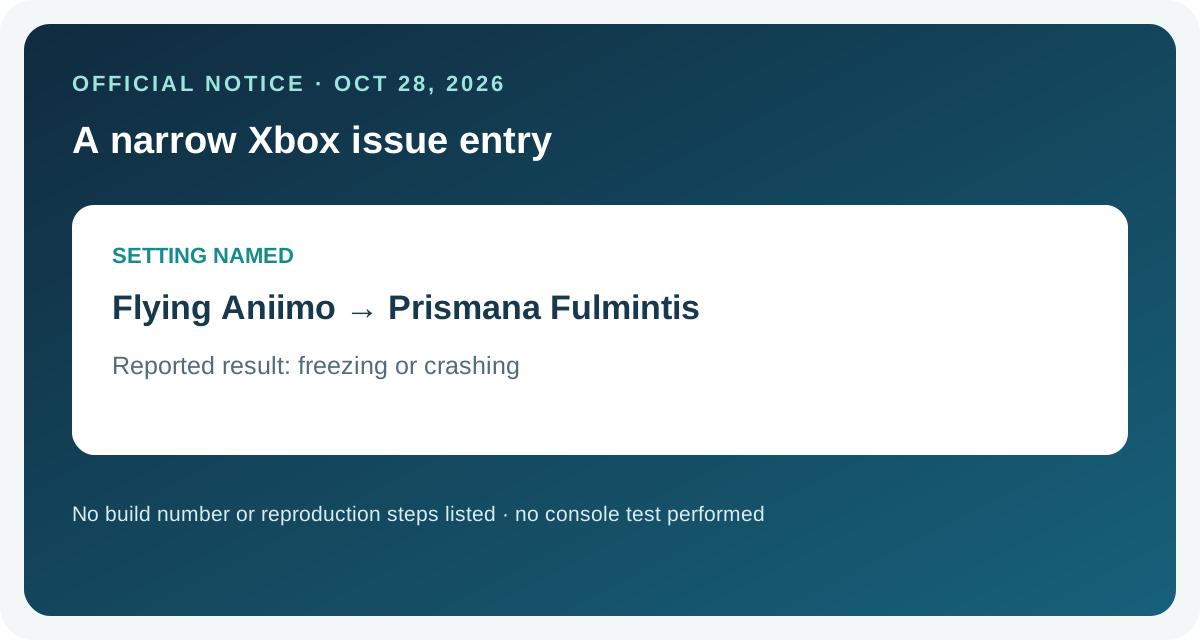
The official notice also lists a separate Xbox freeze or crash when setting the Flying Aniimo to Prismana Fulmintis. See the Xbox Flying Aniimo guide for that condition.
For the separate PlayStation Album-opening stutter entry, see the Aniimo PlayStation Album guide. For Xbox long-battle memory use and crashes in Holo-Battle Interlink, see the specific Xbox crash guide.
Frequently asked questions
Does the notice list these black-screen fixes for both PS5 and Xbox?
Yes. Both entries appear under Console-Specific Fixes and name PS5 and Xbox.
Are the two black-screen symptoms the same issue?
The notice lists them separately: one follows abnormal persistent Ultimate visual effects, while the other happens when viewing an Aniimo in Aniilog and persists after returning to the game.
Does this mean every console black screen is fixed?
No. The notice describes two specific cases. It does not claim to resolve every console black screen.
Does the notice identify the game version containing the fix?
No build number is given for these individual entries. Check and record the version shown by your own platform or in-game notice.
Was either issue reproduced for this guide?
No. This page summarizes the official note and gives a checklist for recording a matching symptom; it includes no console gameplay test.
Source
Sources checked 2026-11-03: Aniimo official Season 1 Part 2 update and known-issues notice, published 2026-10-28.