Aniimo PC Insufficient Disk Space: Which Drive Should You Check?
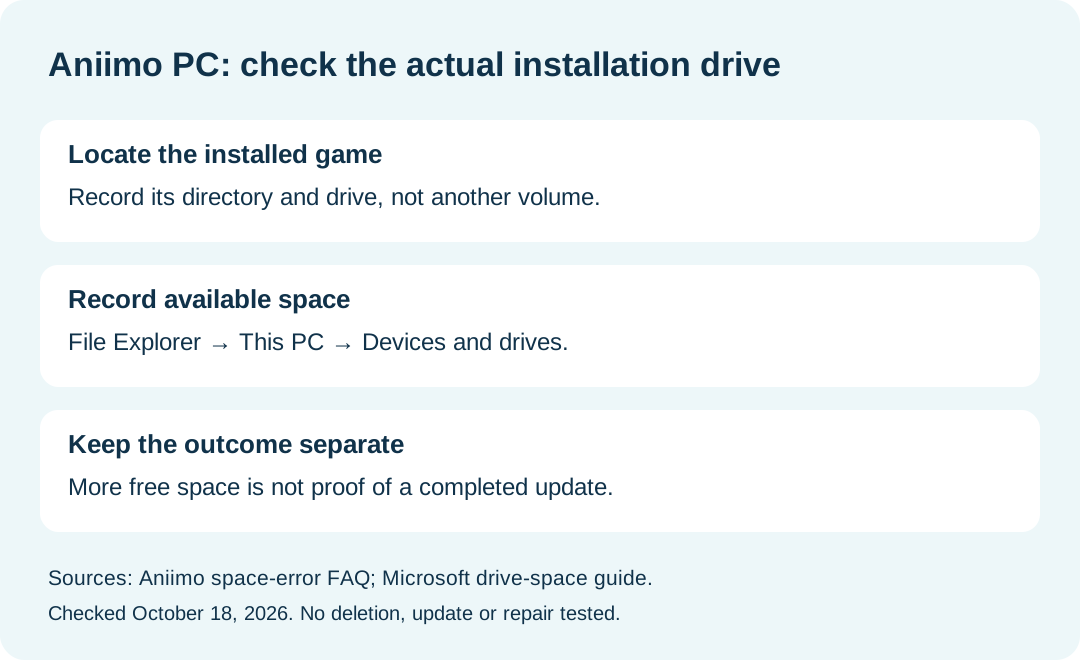
If Aniimo reports insufficient space during a PC update, check the free space on the drive containing the game installation. The official FAQ directs that check to the installation drive, then says to reopen the launcher after space has been freed. Available space on another drive does not answer whether that installation drive has room.
In this guide
Sources reviewed October 18, 2026: Aniimo FAQ, PC launch Question 4 and client installation Question 4, and Microsoft's Windows drive-space guide. We reviewed the documents; we did not trigger an Aniimo space error, remove files, or measure an update's space requirement.
Match the error to the actual installation location
Swipe or scroll sideways to compare all columns.
| Observation | Check to record | What it establishes |
|---|---|---|
| The update names insufficient space | Exact message and update stage | Identifies the symptom being investigated |
| The game is on a custom or external drive | Actual game directory and drive | Identifies the volume relevant to the FAQ's check |
| A different drive has plenty of space | Record that as a different volume | Does not establish room on the installation drive |
| Free space changes before another attempt | Before and after readings, with units | Records a change; not proof that the update succeeded |
This is our editorial comparison table, not a measured diagnostic result. If you are unsure where the client is installed, first use the existing game-folder guide. Do not substitute the location of a downloaded installer for the location of the installed client.
Where does Windows show available space?
Microsoft documents opening File Explorer, selecting This PC, and checking the available-space display under Devices and drives. Match the drive shown there to the game directory you recorded. Keep the displayed value and unit together rather than reporting only the drive's advertised capacity.
This page stops at identifying the right volume and recording the result. It does not select files for deletion or prescribe an automatic cleanup policy. A support note can say the measurement was not collected; a blank should not become an assumed value.
Does the published 40 GB figure tell me the current update size?
No. Aniimo's September 14, 2026 notice reserves 40 GB for the fully extracted PC game and recommends an SSD. Its specifications note says requirements can change. That dated installation guidance does not provide the size of the update you are downloading today or a measurement of your existing installation.
Use any additional requirement actually displayed by your current launcher as a separate observation. We do not calculate a required cleanup amount without those inputs, and no current patch-size estimate is supplied here.
Does enough free space prove every extraction error is fixed?
No. The official FAQ discusses extraction and generic installation errors separately from the update-space message. A free-space reading documents one condition. It does not establish the cause of every installation failure or guarantee that the next attempt will complete.
Keep the exact message if the symptom changes. For update progress paused at 94%, see the separate resource-verification guide; a stationary progress bar is not the same observation as an explicit insufficient-space error.
What should I send support if the update still fails?
Our suggested note contains the date and timezone, Windows version, game directory, relevant drive, available-space reading and unit, exact error, action actually attempted, and later result. The developer's cited page lists [email protected].
Distinguish making room, reopening the launcher, completing an update and launching the game. Report only the steps you actually completed. For platform download routes and general device requirements, return to the Aniimo download guide.