Aniimo Update Stuck at 94%: Resource Verification or a Stalled Download?
Aniimo's official FAQ describes an update paused at 94% as resource verification and suggests waiting or restarting the launcher. It also explains that update progress can pause while local files are processed. A stationary percentage alone does not prove the network download has failed, and the cited answers give no fixed completion time.
In this guide
Sources checked October 15, 2026: Aniimo FAQ, PC launch Question 6 and client installation Question 5, plus Microsoft's Task Manager documentation. This is a comparison of official guidance and observation methods, not a timed test of a game installation.
Match the update stage before choosing an action
Swipe or scroll sideways to compare all columns.
| What is visible | What the official material says | What remains unproven |
|---|---|---|
| Update remains at 94% | The FAQ identifies resource verification | Whether this particular installation is progressing |
| Progress pauses with no apparent downloading | The updater may be processing local files | A network failure cannot be concluded from the percentage |
| The updater is reopened after an interruption | Previously downloaded files may be processed again | A restart is not a guarantee of immediate completion |
| A network-error message appears | This is a separately documented symptom | Use the launcher network-error guide, rather than assuming the same cause |
The table groups source statements by visible symptom. It is not a measured predictor of which check will work on your computer.
Can Task Manager prove that the update is healthy?
Microsoft documents Task Manager as a built-in way to view applications, processes and resource usage. Its Processes view contains per-process information; the Performance view includes overall CPU activity. The exact presentation can vary with the Windows version.
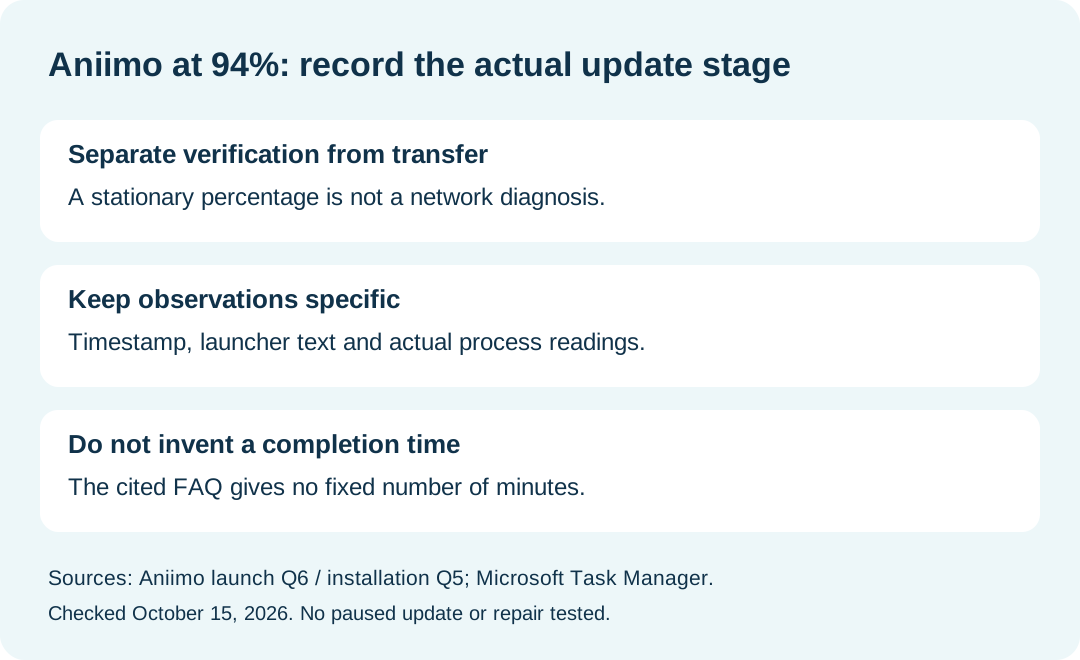
Our suggested observation is to identify the launcher process and record the resource readings that are actually visible, alongside a timestamp and the launcher's own text. Do not substitute whole-computer activity for the launcher's activity. Another application using resources does not establish that Aniimo is verifying files successfully.
Task Manager is an observation aid here. This guide does not require ending processes, changing priority, or collecting a memory dump. We have no measurements from a paused Aniimo update to report.
How long should I wait at 94%?
The cited FAQ does not supply a number of minutes or an expected remaining time. We cannot turn its instruction to wait into a benchmark. Record the start and later observation times if you want to describe the interval accurately; do not label that interval normal or abnormal from this page alone.
Should I restart repeatedly?
The 94% answer includes restarting the launcher as an option, while the installation answer explains that an interrupted update can process downloaded files again. Keep both statements in mind. Neither establishes a benefit from repeated restarts.
Before following a documented restart route, retain the exact stage, any error text and what you already tried. An unchanged result remains unresolved; it is not a successful repair just because the launcher reopened.
What belongs in a support note?
Our proposed record is: date and timezone, visible percentage, stage text, exact error if present, observation times, resource readings if collected, and the result of any action actually attempted. These are editorial comparison fields, not a required form from the developer.
The official FAQ lists [email protected]. For general installation routes see Aniimo download; for a black screen after an old-version update see the separate startup guide.