Aniimo Launcher Network Error: What to Check Before Calling It an Outage
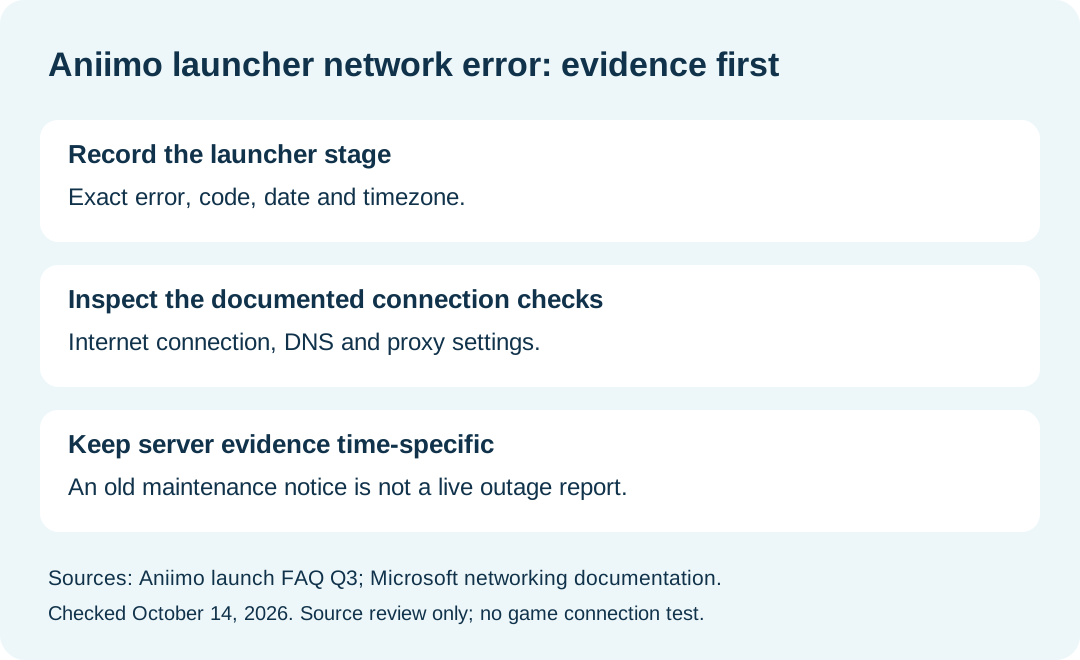
For a network-error or timeout message after the Aniimo PC launcher opens, the official FAQ recommends checking your internet connection, DNS and any proxy settings. The message alone does not establish a game-server outage. Record the exact error and the stage where it appears before choosing a troubleshooting route.
In this guide
Sources reviewed October 14, 2026: Aniimo's official FAQ, PC launch Question 3, Microsoft's Windows proxy documentation, and Windows network settings. This is a source-based checking guide. We did not reproduce the error, connect a game client, or verify a repair.
First identify where the failure happened
Swipe or scroll sideways to compare all columns.
| Observation | What to record | Scope of the evidence |
|---|---|---|
| Launcher opens, then displays a network error | Full message and error code | Matches the FAQ's launch-network topic |
| Clicking the launcher produces no response | Whether any window appeared | Use the separate launcher no-response guide |
| A general website opens | Address and time checked | Shows that website was reachable; not proof of game connectivity |
| A maintenance announcement exists | Official URL, date, server and timezone | Compare its scope with your own error time |
This is our editorial evidence table, not a tested cause classifier. A browser request and a launcher connection are different observations. Keep both results rather than replacing the launcher error with a general description such as “the internet works.”
Where can I inspect the Windows connection and proxy settings?
Microsoft places connection status in Settings → Network & internet. Its proxy instructions use Network & internet → Proxy, covering automatic detection, a setup script and manual proxy configuration. An organization may require a proxy; settings for a VPN's proxy are handled separately.
Use these locations to identify which setup you actually have. This guide does not prescribe switching off a required proxy, replacing DNS servers, or resetting your network. Record an unfamiliar configuration as unknown and ask the network owner about it before changing it.
Does mentioning DNS mean changing DNS will fix it?
No. Aniimo names DNS as one part of the connection check. That is a troubleshooting suggestion, not an individual diagnosis. Microsoft documents DNS configuration within Windows networking, but neither cited source proves that a different DNS provider resolves this particular Aniimo error. No provider ranking or success probability is available from these checks.
Is this proof that Aniimo servers are down today?
No current outage is established here. A maintenance notice needs a matching date, affected server and time interval. Historical notices in our server maintenance guide provide background; they are not a live status check for October 14.
An error after the launcher starts also differs from a later in-game reconnecting symptom. Report the stage you observed rather than merging those failures into one cause.
What should I send support if the check remains unresolved?
Our suggested note includes the date and timezone, platform, exact error, the launcher stage, connection checks actually completed, and whether the result changed. Keep private addresses, proxy credentials and account secrets out of a public post.
The official FAQ lists [email protected]. Describe unperformed steps as not attempted. This guide has no measured repair outcome to report.
For platform entry points and device requirements, return to the Aniimo download guide.