Can Aniimo on PS5 Run From USB Extended Storage?
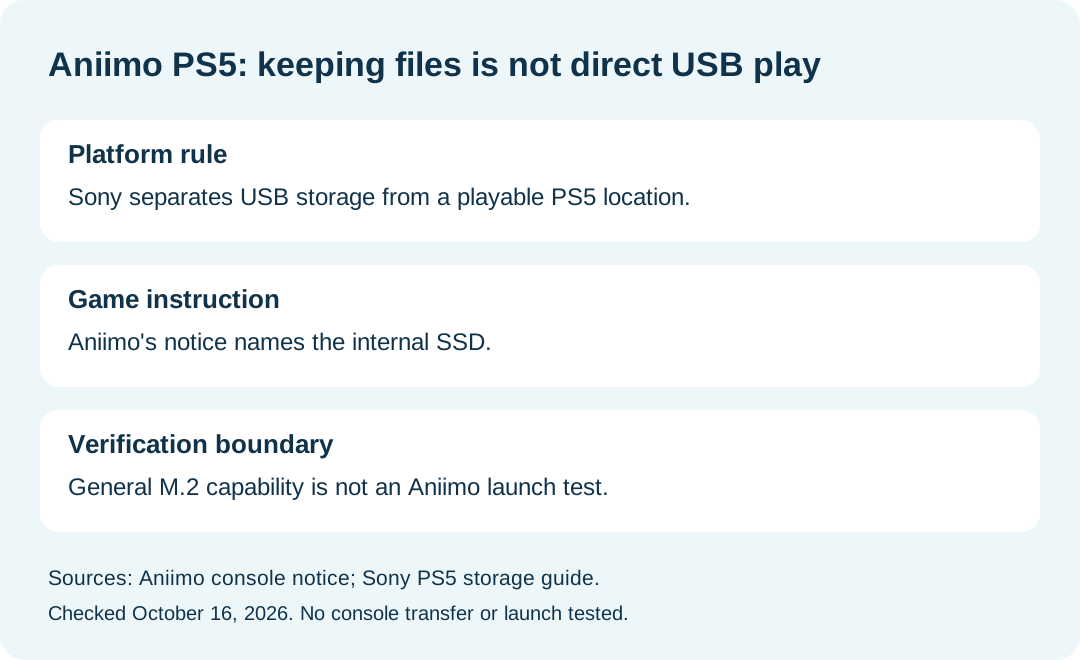
Do not plan to launch Aniimo's PS5 version directly from USB extended storage. Sony requires PS5 game data stored on USB extended storage to be moved back to console storage or M.2 SSD storage before play. Aniimo's own pre-download notice specifically names the PS5's internal SSD for its client. Sony's general M.2 capability is not a game-specific Aniimo compatibility test.
In this guide
Sources checked October 16, 2026: Aniimo's September 14 PC and console notice and Sony's PS5 storage guide. We read the documents; no console transfer, installation or launch was performed.
Separate keeping a game from playing it
Swipe or scroll sideways to compare all columns.
| Storage question | What the cited material establishes | Evidence limit |
|---|---|---|
| Can USB extended storage hold PS5 game data? | Sony's table allows storage of that data | Holding files does not establish direct play |
| Can a PS5 game run directly from that USB location? | Sony says to move it back before play | This is a platform rule, not an Aniimo launch test |
| What location does Aniimo itself specify? | Its console notice names the internal SSD | The notice does not separately resolve an added M.2 drive |
| Does Sony support M.2 SSD storage generally? | Its storage guide includes compatible M.2 storage | General capability does not confirm this game's behavior |
This comparison keeps the two sources' scopes visible. It should not be read as a claim that we tried every storage configuration.
Why do the internal-SSD and M.2 descriptions differ?
They answer different questions. The game notice gives an installation instruction for Aniimo. Sony describes the console's storage capabilities across PS5 games. The sources do not include a game-specific test resolving whether Aniimo's wording also covers an added compatible M.2 SSD.
That leaves an explicit unknown rather than a reason to promise compatibility. If this distinction affects an installation decision, quote the game notice to official support and ask about the exact storage category. We have no measured transfer speed or launch result to add.
Where can I check my current storage space?
Sony directs users to Settings → Storage from the PS5 home screen to inspect available space. Use the console's actual labels to identify the location rather than calling every attached drive an internal SSD.
Our proposed record contains the date, storage-category label, available space, current game-data location, and any exact message displayed when you try the intended operation. Record unperformed steps as not attempted. This is an editorial checklist, not a form supplied by Aniimo.
Are game files and saved data the same storage category?
No. Sony's table lists PS5 game data and PS5 saved data separately. It does not mark USB extended storage as a PS5 saved-data destination; it lists cloud storage for that category, with PlayStation Plus required for cloud storage. An entry about keeping installation files on USB therefore should not be treated as a statement about backing up saves.
This guide does not establish how an individual Aniimo account's online progress is stored. For account and same-server platform linking, use the download and account overview.
What should I confirm before changing the installation location?
Keep three answers separate: what storage the console supports, what the game developer documents, and what actually happened on your console. Our check establishes the first two from the linked pages; the third remains untested here.
Aniimo's cited notice lists [email protected] for official help. Describe the storage category and exact result instead of reporting a guessed compatibility verdict. For general platform availability, return to Aniimo platforms.