Aniimo Failed to Load il2cpp: Check Protection History
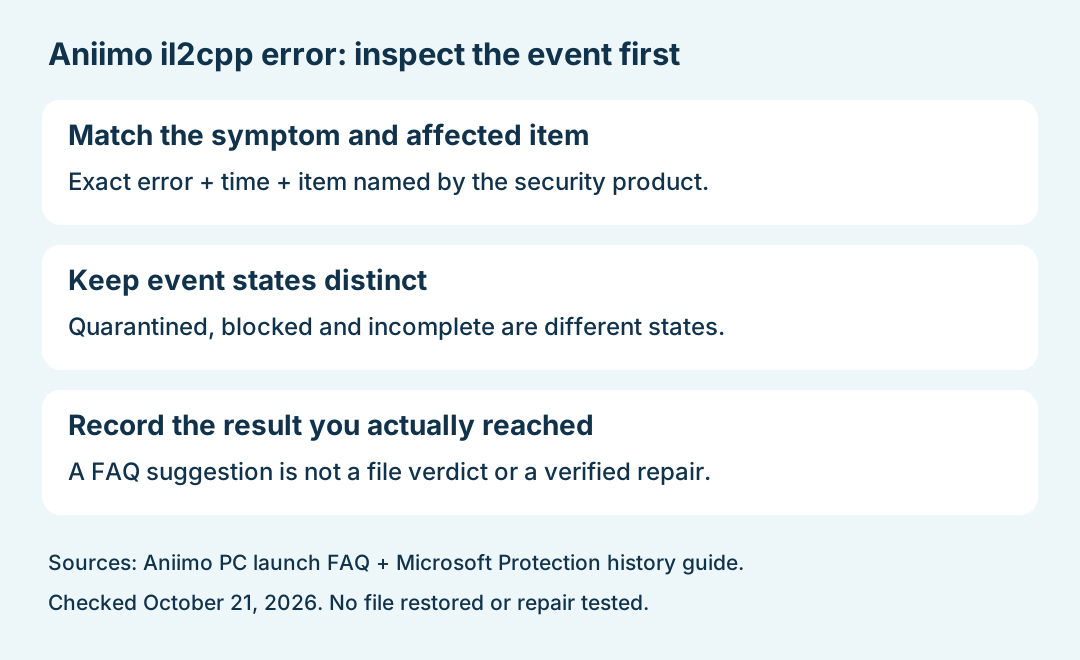
For Aniimo's "Failed to load il2cpp" error, compare the antivirus event with the affected game file and the time the error appeared. The developer points to files being quarantined or blocked, but that does not prove that every detected file is safe. With Microsoft Defender, start by inspecting Protection history rather than treating an error message as a confirmed false positive.
In this guide
Checked October 21, 2026 against Aniimo's September 14 FAQ, PC launch Question 11 and Microsoft's Protection history documentation. We reviewed the published instructions; we did not inspect a player's files, restore a detection, change protection settings, or verify a game repair.
What does the Aniimo FAQ actually say?
The dated FAQ associates this specific Start Game error with antivirus quarantine or blocking. It describes checking the protection logs, restoring affected files and trusting them, followed by another game launch; persistent problems go to Customer Support.
That is the developer's suggested explanation and route. It is not a verdict on a particular detection. Before making a decision about a file, keep the observed alert, source of the download and actual result separate from the general FAQ advice. The download guide links the official game entry points.
Where can you inspect a Microsoft Defender event?
Open the Windows Security app and select Protection history. Microsoft describes events as expandable cards and says administrator privileges are needed to review threat details. This route applies to Microsoft's app; another antivirus product has its own history.
Record what the card actually shows. Do not rename an unrelated event as an Aniimo finding just because it appeared near the same time.
What does the event state mean?
Swipe or scroll sideways to compare all columns.
| Displayed state | Microsoft's distinction | Useful boundary for this error |
|---|---|---|
| Threat quarantined | The item is isolated and has not yet been removed | This is different from a removed item |
| Threat blocked | Defender blocked and removed the item | Do not assume the file is still available in quarantine |
| Remediation incomplete | Cleaning was not fully completed | Read the card's details rather than declaring the issue resolved |
These are meanings of event states, not observations from a live Aniimo installation. If the card identifies a different file, record that mismatch.
Are Restore and Allow on device the same action?
No. Microsoft distinguishes putting a quarantined file back from allowing it to proceed. It also says restoring can lead to another detection. Allowing a real threat can expose the device or data, so an uncertain file should not be assumed safe from the game FAQ alone.
This guide does not supply a blanket exclusion or recommend turning protection off. Keep the file-specific question with the relevant security product and official game support; do not substitute a random download for the affected file.
What if Protection history is empty?
Microsoft says the visible history retains events for two weeks. An empty view therefore does not establish that an older block never happened. It also does not verify the history of a separate antivirus product.
Our suggested note is the displayed state, approximate error time, the security product actually in use and whether the relevant event could be read. Leave an unreadable or missing event marked unknown.
What should you keep for Customer Support?
Use this editorial record to avoid mixing a suggested fix with a completed one. It is not a required official form:
Swipe or scroll sideways to compare all columns.
| Checkpoint | Record only what you observed |
|---|---|
| Error | Exact message and whether it appeared after Start Game |
| File match | Affected item's displayed name or location, shared through an appropriate private support route |
| Event | Product, date/time, status and any details you could actually read |
| Outcome | Action completed, or not attempted; then the result of the same game-launch step |
Do not put private folder names or account details into a public post. A reopened launcher is not proof that the game started, and a changed detection state is not by itself a successful repair.
For a different startup symptom, use the white-screen guide or black-screen-after-update guide. Return to Aniimo platforms for the platform overview.