Aniimo Mobile Download Is Slow but Moving: Read the Official Checks
If an Aniimo download is slow but still advancing on a phone, the official mobile FAQ suggests Wi-Fi where possible, trying outside peak hours, and checking whether the carrier may be throttling traffic or interfering with DNS. These are published checks, not a finding about your connection. If progress has stopped or rolled back to zero, follow the separate mobile rollback guide.
In this guide
Checked October 29, 2026 against Aniimo's September 22 mobile notice, Network & Login Question 4. The FAQ mentions peak-time CDN congestion as common. We did not measure a phone, carrier, CDN, transfer rate or download completion.
Is slow progress the same as a stalled download?
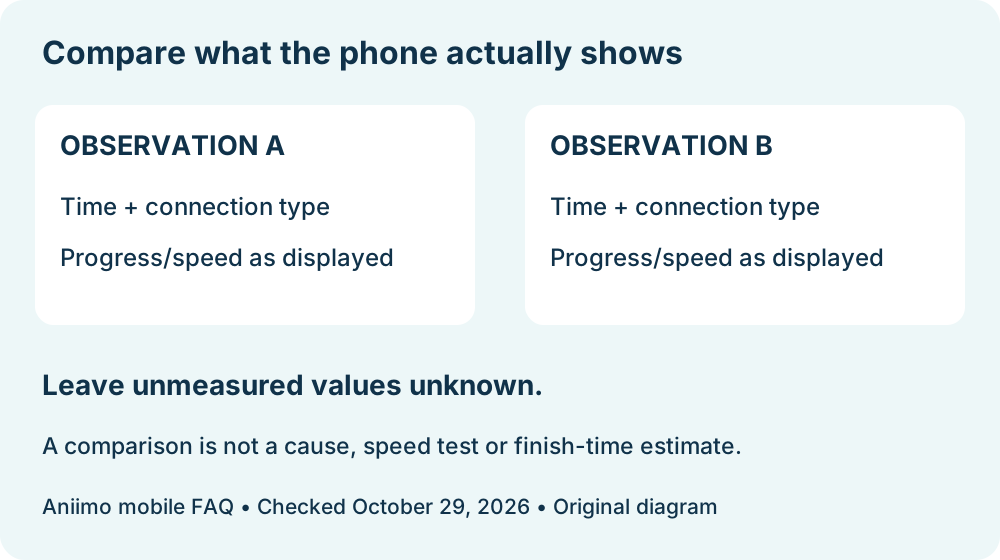
For this guide, “slow but moving” means that the displayed progress changes between observations. It is an editorial description, not a status label supplied by Aniimo. Record the time, timezone, connection type and the progress or speed actually shown. If the number remains fixed or rolls back, record that separately and use the stuck or rollback route.
The PC zero-progress guide covers Windows launcher instructions. It does not establish what is happening in a mobile app or store download. Likewise, a launcher error before gameplay belongs to the PC network-error guide.
What does Aniimo recommend for a mobile download?
The mobile FAQ lists downloading or updating over Wi-Fi when possible, trying an off-peak period, and checking whether the carrier is throttling the connection or blocking or intercepting DNS queries. The same notice asked for a stable Wi-Fi connection and at least 18 GB free before the September 2026 mobile pre-download. That dated pre-download note is not a measurement of the current app size, patch size or space remaining on your device today.
Keep the questions separate: which connection is active, whether the on-screen indicator changes, how much space the device actually reports, and when you checked. The FAQ does not give a universal transfer speed, remaining-time estimate or guaranteed improvement from these suggestions.
Does peak-hour CDN congestion prove the CDN is the cause?
No. Aniimo says CDN congestion is common during peak hours and suggests trying off-peak. That general advice does not identify the route used by a specific phone or prove that congestion explains a particular slow session. We did not inspect CDN telemetry or reproduce a download.
If you compare two times, record the same visible download indicator and whether the network type changed. A faster observation on a later attempt would not by itself show which condition changed or establish a general speed benefit.
What should I write down before contacting support?
Use a short record: date and timezone, phone and app/store stage, exact displayed percentage or speed if present, Wi-Fi or mobile data, available storage as actually shown, and the action you took. Leave unavailable values unknown. Do not turn a percentage into an invented completion time.
The mobile notice lists [email protected] for pre-download help. This comparison note is our editorial aid, not an official required form. We have no measured transfer result or repair to report. Return to Aniimo platforms for the platform guides.